MBAM Software: The Complete Malware Removal and Protection Guide
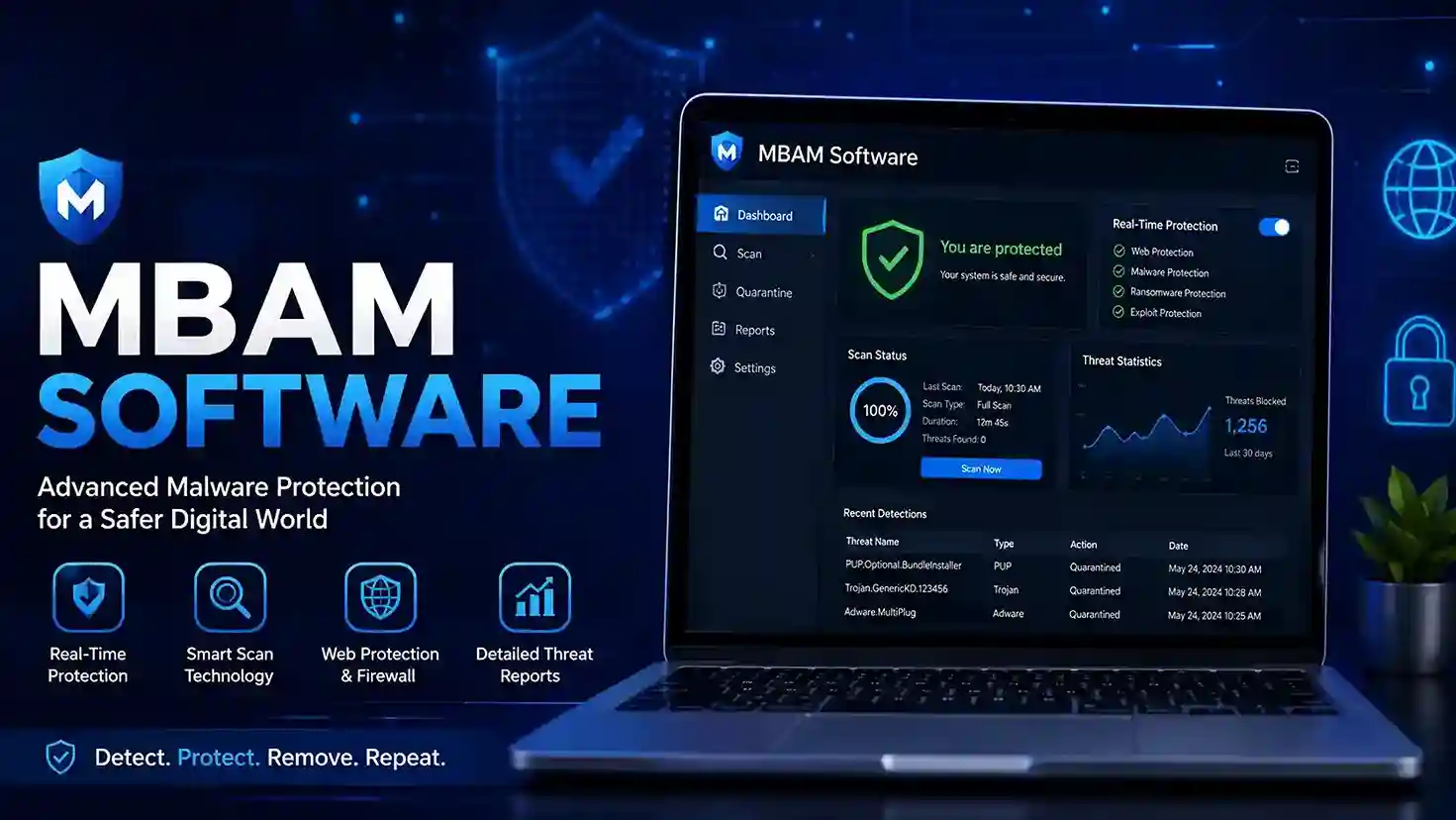
Malware can lock files, steal passwords, and cripple a computer within minutes. Many users only notice an infection after performance drops or pop-ups appear. That delay causes real damage. MBAM software gives you a direct way to scan, detect, and remove threats before they spread. This guide explains how to use it, what it catches, and how to stay protected.
What Is MBAM Software?
MBAM software stands for Malwarebytes Anti-Malware. It is a security tool designed to find and delete malicious programs that traditional antivirus engines often miss. Many users install MBAM software after a suspicious toolbar, fake pop-up, or browser redirect appears. The tool scans files, memory, registry entries, and startup programs for known and emerging threats.
How MBAM Software Detects Malware
The program uses three detection layers: signature matching, heuristic analysis, and behavior monitoring. Signature matching flags files that match known malware databases. Heuristics look at code structure to catch new variants. Behavior monitoring watches for suspicious actions like unauthorized encryption or credential access. This layered approach helps MBAM software stop zero-day threats before they spread.
Key Features of MBAM Software
A clean quarantine system sits at the heart of MBAM software. It isolates threats so they cannot harm your files. The main features include:
- Manual and scheduled scans
- Real-time protection in Premium
- Ransomware protection and rollback
- Browser Guard for malicious site blocking
- Exploit mitigation for vulnerable apps
- Quarantine and remediation logs
Use these tools together for stronger device security.
How It Compares to Traditional Antivirus
Conventional antivirus software targets known viruses and worms. MBAM software targets malware families that antivirus products often miss, including adware, spyware, rogue security tools, and potentially unwanted programs. It works alongside Windows Defender or another antivirus. Use both for layered defense.
How to Download and Install
Download MBAM software only from the official Malwarebytes website to avoid fake installers. The setup process takes less than five minutes.
- Visit the official Malwarebytes site.
- Choose Free or Premium.
- Run the installer.
- Follow the setup prompts.
- Allow the first definition update.
After installation, open the dashboard and confirm the protection status.
Step-by-Step: Running Your First Scan with MBAM Software
Open the dashboard and click Scan. A threat scan checks memory, startup objects, registry entries, and the file system. In my testing, a standard threat scan finishes in under five minutes on a clean Windows 11 machine. Review quarantined items and click Remove. Use scheduled scans to repeat this automatically.
Real-Time Protection Settings You Should Enable
In Premium, turn on Web Protection, Malware Protection, Ransomware Protection, and Exploit Protection. These layers block malicious sites and stop attacks before files download. Set scan schedules to weekly or daily. Enable automatic updates so MBAM software always uses the latest definitions.
Windows and Mac Differences
Windows users get the full scan and real-time suite. Mac users get malware scanning and browser protection, but macOS sandbox limits some system-level controls. The core removal engine remains similar. MBAM software supports Windows 10, Windows 11, and macOS 12 or later.
Common Threats This Tool Removes
A single MBAM software scan often catches multiple threat categories. Common removals include:
- Adware and spyware
- Trojans and worms
- Keyloggers and rootkits
- Browser hijackers
- Rogue antivirus programs
- Potentially unwanted programs (PUPs)
If your browser homepage changed or you see fake alerts, run a manual scan immediately.
Performance Impact and System Requirements
The program runs light in the background. On most systems, idle RAM use stays below 200 MB. During a full scan, you may notice higher CPU activity. Basic requirements remain modest.
| Component | Minimum |
| Operating system | Windows 10/11 or macOS 12+ |
| RAM | 2 GB |
| Disk space | 250 MB |
| CPU | 1 GHz dual-core |
Close unused apps before running a full scan to speed up the process.
Pricing and Free vs Premium Plans
The free version gives you on-demand cleanup with no time limit. Ransomware rollback, scheduled scans, and real-time protection are all added by Premium. Pricing varies by region and device count. Check the official pricing page before buying. Many users start with the free MBAM software scan, then upgrade if infections return.
| Feature | Free MBAM Software | Premium MBAM Software |
| On-demand scans | Yes | Yes |
| Real-time protection | No | Yes |
| Scheduled scans | No | Yes |
| Ransomware protection | No | Yes |
| Browser protection | No | Yes |
| Price | $0 | Paid subscription |
This table helps you choose the right level of protection.
How to Update and Stay Current
Open settings and select “Check for updates.” Enable automatic updates. New definitions arrive several times daily. Without updates, MBAM software cannot recognize the latest malware families. Reboot after major program upgrades to finish the replacement.
Ransomware Protection
Ransomware encrypts files and demands payment. Premium MBAM software monitors for ransomware behavior and can roll back unauthorized changes. Quarantine and backup still matter. Keep offline backups for recovery.
Expert Tips to Get the Most from This Tool
Use the program on every device you own. The following steps improve results:
- Run threat scans after downloading files from unknown sources.
- Keep real-time protection on at all times.
- Pair with a standard antivirus.
- Do not disable ransomware protection.
- Check quarantine logs monthly.
- Remove browser extensions you do not recognize.
Regular cleanup prevents small issues from turning into data loss.
Frequently Asked Questions
Is MBAM software safe to use?
Yes. Download MBAM software from the official Malwarebytes site only. It works alongside most antivirus programs without conflicts.
Can this tool replace my antivirus?
No. It acts as a second layer. Pair it with Windows Defender or another antivirus for complete protection.
Does this tool work on Mac?
Yes. The Mac version removes adware, browser hijackers, and Mac-specific malware.
How often should I run a scan?
Run a manual scan once a week. Premium users can schedule daily or weekly scans automatically.
Will it slow down my computer?
Usually not. Scans use low system resources, and real-time protection runs quietly in the background.
What is the difference between this tool and Malwarebytes?
The old name for Malwarebytes Anti-Malware is MBAM. The current product is Malwarebytes for Windows or Mac, but many people still call it MBAM software.
Protect Your Device Today
Malware evolves fast. This security tool gives you a proven cleanup and prevention method that works alongside your current security. Download the official version, run a scan, and turn on real-time protection. One thorough scan can find what other programs miss. Take action now: back up your files, install the latest update, and schedule your next scan.
Sources
- Malwarebytes Official Documentation – https://support.malwarebytes.com/hc/en-us
- CISA Malware and Ransomware Guidance – https://www.cisa.gov/stopransomware
- AV-TEST Independent Security Testing – https://www.av-test.org/en/antivirus/home-windows/