Delta Math: Your Complete Guide to Smarter Math Practice
Staring at a confusing math problem with no clue how to start feels frustrating. You waste hours stuck on the same mistake, losing confidence before the test. Delta Math changes that. This free platform gives you unlimited practice, shows you exactly where you went wrong, and walks you through the solution step by step. It’s the quickest way to build real math skills without the guesswork.
What Is Delta Math?
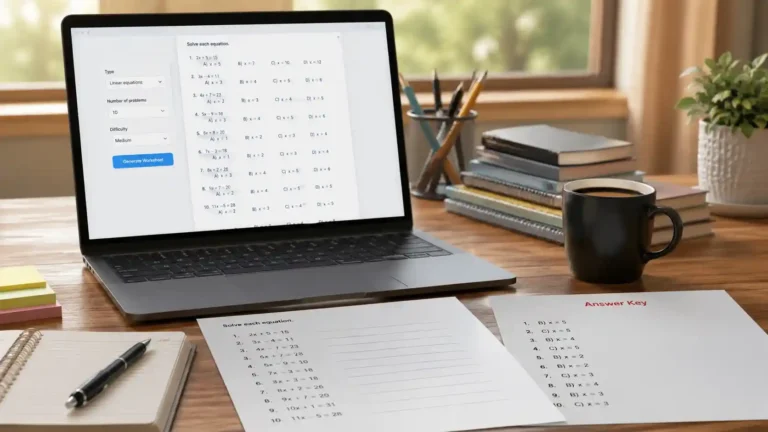
Delta Math is an online math practice platform built for middle school, high school, and early college students. Teachers create classes and assign problem sets aligned to specific standards, and students complete the work at their own pace. The system generates randomized questions, checks answers instantly, and provides step-by-step explanations after an attempt. Created by a math teacher, the tool focuses on mastery learning—students can redo problems until they truly understand the concept. Over 2 million students and 100,000 teachers use Delta Math every week to strengthen arithmetic, algebra, geometry, calculus, and more.
How Delta Math Works: The Learning Cycle
The platform follows a simple, repeatable cycle designed for deep learning:
- Assignment: A teacher chooses a skill (such as “Solve two-step equations”) and determines how many right answers are needed.
- Practice: The student opens the assignment, sees a random problem, and enters an answer.
- Feedback: Delta Math checks the answer instantly. A correct response moves the student forward. An incorrect answer triggers a step-by-step solution screen.
- Retry: The student must solve a new, similar problem correctly to earn credit. This prevents guessing and builds procedural fluency.
Because the question bank pulls from thousands of variations, students rarely see the same problem twice. This anti-cheating design pushes learners to master the method, not memorize answers.
Key Features That Make Delta Math Stand Out
- Immediate Corrective Feedback – You know right away if your answer is right or wrong, and the explanation starts where you went off track.
- Randomized Problem Generator – Refreshing a page delivers a fresh problem with new numbers, graphs, or trigonometric values.
- Step-by-Step Solutions – After a wrong answer, the tool unfolds the solution logically, often highlighting common errors.
- Teacher Customization – Educators set due dates, time limits, attempt caps, and can even hide solutions until after the deadline.
- Standards Alignment – Content maps to Common Core, TEKS, and state-specific standards, making it easy to integrate into any curriculum.
- Data Dashboard – Teachers see class averages, per-student performance, and time spent, helping them intervene early.
According to Common Sense Education, Delta Math earns high marks for its no-frills interface and focus on corrective feedback that actively prevents the repetition of errors.
Delta Math Login: Step-by-Step Access for Students and Teachers
Getting started with Delta Math login takes less than two minutes.
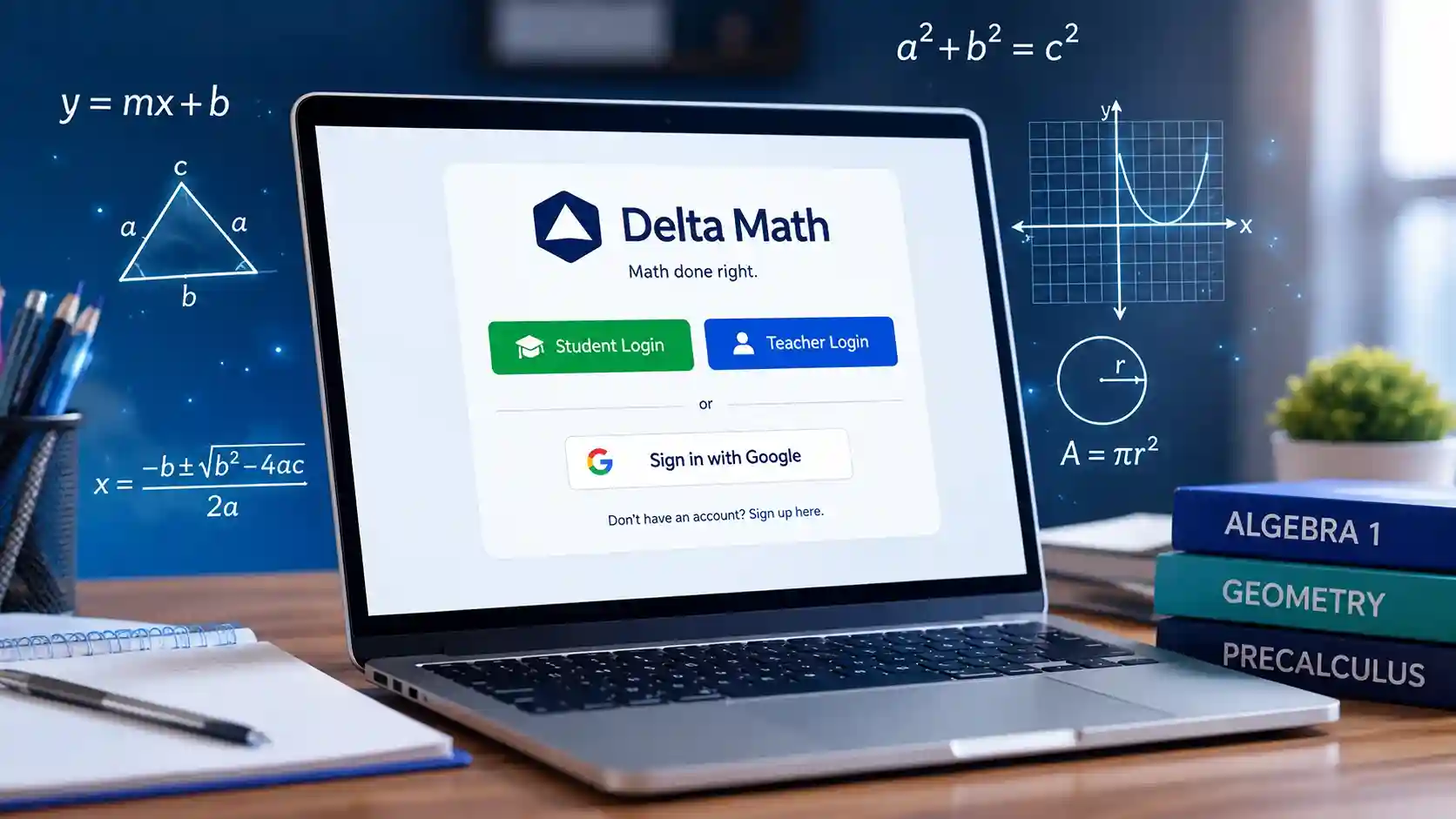
- Go to deltamath.com.
- Click “Login” in the upper right.
- Choose “Student” or “Teacher.”
- If you have a teacher code (a string of numbers given by your instructor), enter it to join a class. Teachers sign up with their school email and create courses manually.
- Once inside, your dashboard lists active assignments and their deadlines.
The delta math login process remains identical whether you’re on a Chromebook, laptop, or tablet. No software download is needed—everything runs in a standard web browser. If you ever lose your code, ask your teacher to resend it. The platform does not use personal email verification for students, which keeps onboarding simple for younger users and privacy-compliant under COPPA and FERPA.
Navigating the Dashboard and Assignment List
After a successful Delta Math login, the student dashboard shows three main sections:
- Active Assignments: Each tile displays the skill name, due date, required score (e.g., 5 out of 5 correct), and your current progress.
- Late Work: Past-due tasks appear with a red indicator. Depending on teacher settings, you may still earn partial credit.
- Completed: A history of all finished work, allowing you to review old problems and solutions for test prep.
A progress bar fills as you answer correctly. Clicking “Show Solution” on a completed item pulls up the full explanation again, making it a powerful self-study tool long after the due date passes.
Problem Types and the Adaptive Question Bank
Delta Math covers an enormous breadth of mathematics, from basic addition facts through AP Calculus. The question bank includes:
- Numerical Entry: Type an integer, decimal, or fraction.
- Graphing: Plot points, draw lines, or shade inequalities on an interactive coordinate grid.
- Multiple Choice: Select the correct equation, graph, or statement.
- Expression Input: Enter algebraic expressions and equations using a math toolbar.
- Timed Fact Drills: Improve mental math speed with a built-in fluency timer.
EdTech reviewers at EdSurge note that platforms like Delta Math shift the focus away from rote worksheets and toward dynamic, unbounded practice—exactly the environment students need for true procedural fluency.
How to Use Delta Math to Actually Learn (Not Just Get Answers)
Many students search for delta math answers hoping for a shortcut. The real power of this tool lies in what happens when you get a problem wrong. Follow this sequence to turn mistakes into mastery:
- Attempt every problem honestly without outside help first.
- When an answer is incorrect, study the step-by-step solution line by line. Identify the exact point where your approach diverged.
- On a scratch paper, rework the problem using the correct method.
- Request a new version of the skill and solve it completely before checking your answer.
- If you get stuck again, review the teacher’s posted lesson notes or watch the optional video tutorials Delta Math embeds for many skills.
This active-recall loop moves information into long-term memory far better than simply copying an answer key ever could.
The Ethical Way to Find Delta Math Answers and Explanations
Legitimate resources for help exist inside and around the Delta Math ecosystem:
- Built-in “Show Solution” Button: After an incorrect answer (or after the assignment’s due date, depending on teacher settings), the full worked solution appears. This is your best, teacher-approved source for delta math answers.
- Teacher-Provided Support: Many teachers post video lessons, notes, or discussion threads in Google Classroom alongside the Delta Math assignment.
- Official Delta Math YouTube Channel: The platform’s developers upload tutorial videos covering high-demand skills.
- Peer Study Groups: Discussing a tough problem with a classmate who explains their thinking often clicks better than any written solution.
Steer clear of sites that promise instant answer keys. They frequently contain incorrect answers, and their use violates most school honor codes—leading to lost credit and a missed opportunity to learn the material you’ll need for the final exam.
Teacher’s Corner: Assigning Work and Monitoring Progress
Teachers choose Delta Math for its flexibility and rich data. From the teacher dashboard, an educator can:
- Create an Assignment in under 60 seconds by searching a skill and clicking “Assign.”
- Set Mastery Thresholds – Require three, five, or ten correct answers in a row before a student earns full credit.
- Customize Feedback Windows – Decide if students see the solution immediately after a wrong answer, the next day, or only after the due date.
- Differentiate Instruction – Assign remediation modules to struggling students while advancing others to extension topics.
- Analyze Results – A color-coded matrix shows each student’s performance per standard, revealing class-wide weak spots that need reteaching.
Schools with Delta Math INTEGRAL can sync rosters and grades directly with Canvas, Schoology, or Google Classroom, eliminating double entry.
Delta Math vs. Other Math Practice Tools
| Feature | Delta Math | Competitors (e.g., Khan Academy, IXL) |
| Price for Students | Free | Free or premium tiers |
| Randomized Problems | Yes, infinite variations per skill | Varies; some reuse fixed question sets |
| Teacher Assignment Control | Full control over due dates, attempts, solution visibility | Varies |
| Immediate Step-by-Step Solutions | Displayed after wrong answer or deadline | Often require watching a full video |
| Offline Access | Not available | Some offer downloadable exercises |
| Standards Alignment | State-specific, Common Core, TEKS | Similar alignment |
Delta Math’s clean, no-advertisement-free interface focuses entirely on practice and feedback, without gamification elements that distract from the math itself.
Overcoming Common Frustrations and Technical Glitches
Even the best platforms can hiccup. Here’s how to handle typical issues:
- “I refreshed and the problem changed!” That’s by design. The system gives you a new problem to prevent memorization. Always solve the current problem before refreshing.
- “My answer is marked wrong, but I’m sure it’s right.” Check the formatting—enter fractions as a/b, use a decimal point not a comma, and write infinity as inf or -inf as directed. Match the expected variable case.
- “My line will not be plotted using the graph tool.”Be cautious when using a mouse or touchscreen; if the grid stops on a Chromebook, zoom out.
- “I lost my progress.” Progress saves automatically. If you close the tab mid-assignment, your completed correct answers remain. Simply log back in.
Clearing your browser cache or switching to Chrome almost always resolves persistent display issues.
Delta Math for Test Prep and Exam Readiness
Because Delta Math offers thousands of randomized problems per standard, it becomes an unparalleled exam prep tool. Set a personal goal: master three skills per day in the two weeks leading up to a test. Use the “Show Solution” feature to review any skill you’ve already completed, and redo problems until you can nail them without help. The platform’s structure mirrors the testing experience—you see a fresh question, must produce an answer, and get scored on correctness. This reduces test anxiety by making the exam feel like just another assignment.
Privacy, Security, and School Integrations
Delta Math takes student data privacy seriously. The platform signs the Student Privacy Pledge and complies with COPPA and FERPA. No advertising appears in the student interface, and the company does not sell or mine student data. For schools using rostering integration, Delta Math INTEGRAL connects securely through LTI standards with Google Classroom, Canvas, and Schoology, syncing only essential information like name and class enrollment. Parents can request a review of collected data through their school’s technology coordinator.
A Quick Comparison: Free vs. Delta Math PLUS vs. INTEGRAL
| Plan | Price | Best For | Key Features |
| Free | $0 | Individual teachers and students | Unlimited assignments, basic analytics, all problem types, 90-day student history |
| PLUS | $6/month or $50/year per teacher | Teachers wanting advanced tools | Enhanced data reports, video integration, test creation module, customizable rubrics |
| INTEGRAL | School/district quote | Schools needing full integration | Automated roster sync with SIS/LMS, district-wide analytics, dedicated support, single sign-on (SSO) |
The free version of Delta Math already includes everything a student needs to succeed. Teachers sometimes begin with free and only upgrade when they need extensive longitudinal data or gradebook syncing.
Frequently Asked Questions
1. How do I log in to Delta Math?
Go to deltamath.com, click “Login,” select “Student,” and enter the teacher code your instructor gave you. If you don’t have a code, ask your teacher—it’s a short numeric string that connects you to their class.
2. Can I get Delta Math answers without doing the work?
Searching for delta math answers online almost always leads to outdated or incorrect answer keys. The platform intentionally randomizes numbers and variables, so no two students see the same problem. The reliable way to see the correct solution is to attempt the problem, learn from the step-by-step explanation after a mistake, and re-try with a new problem.
3. Why does Delta Math show a new problem when I refresh?
The site generates a fresh variation every time a page loads. This feature prevents cheating and ensures you practice multiple forms of the same skill. Finish a problem before closing the tab or hitting refresh.
4. Does Delta Math work on mobile devices?
Yes, the interface adapts to smartphones and tablets. For graphing tasks, a larger screen or a stylus makes precise plotting easier, but all problem types function on mobile browsers.
5. Is Delta Math free for students?
Absolutely. Students never pay. The free tier includes unlimited assignments, full access to all problem types, and step-by-step solutions. You do not need a subscription or credit card.
6. How can teachers track student progress on Delta Math?
Teachers log in, select a class, and view the “Data” tab. They see each student’s score, time spent, number of attempts, and a color-coded matrix of skill mastery. This data makes it simple to identify who needs extra help long before the chapter test.
You now have everything needed to turn Delta Math into your strongest math ally. Pick one skill from your assignment list, solve the first problem honestly, and pay close attention to the explanation screen if your answer misses the mark. Each completed problem builds a layer of genuine understanding that no shortcut can match. Log in, start your first assignment, and watch the progress bar fill—your next test score will thank you.